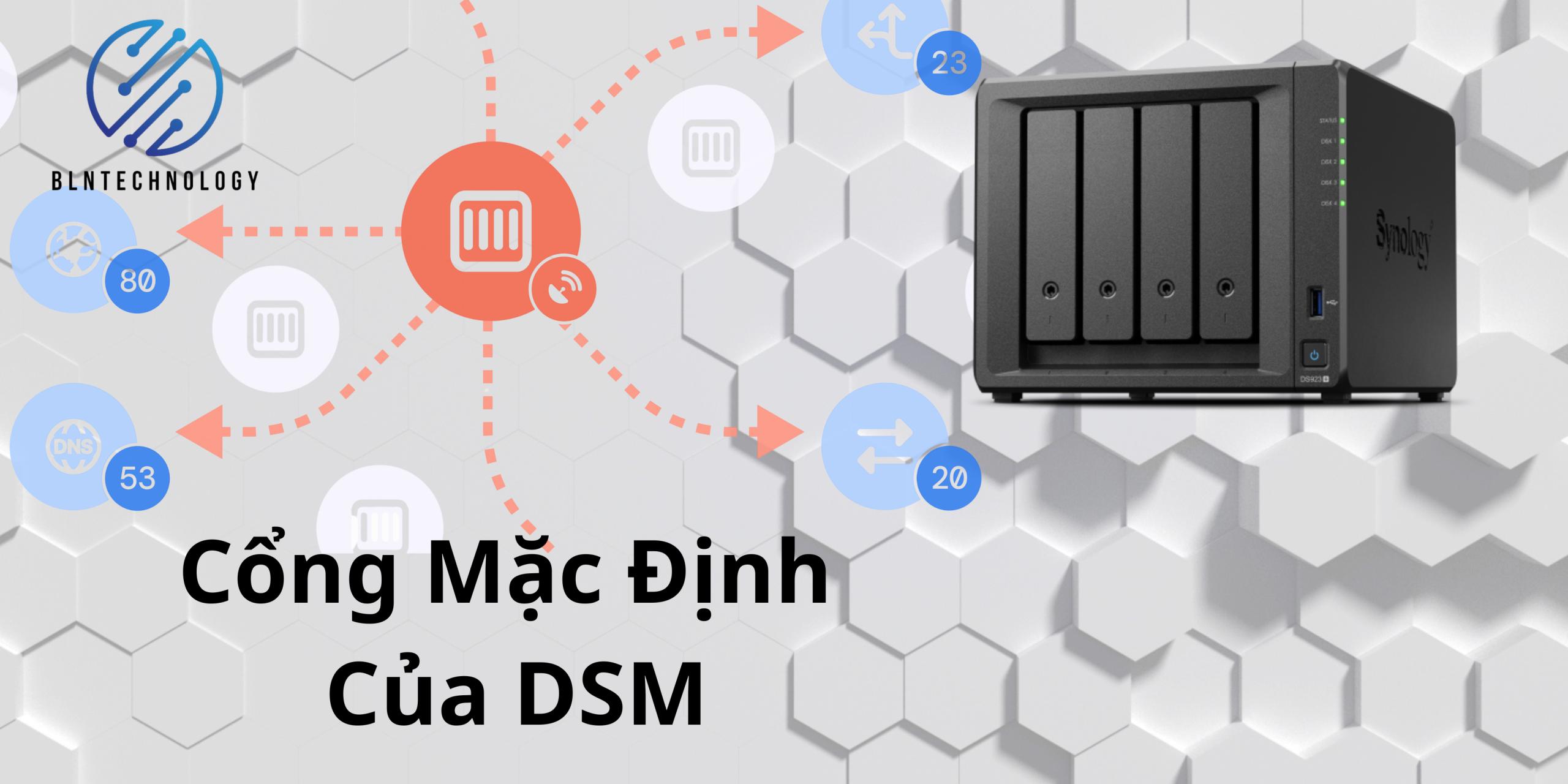

Ở Note này mình chia sẻ các cổng (port) mặc định của HĐH Synology DSM. Mục địch giúp các bạn biết được các ứng dụng dùng cổng nào để dễ dàng sử dụng và tùy chỉnh lại số cổng khi mở trên modem, phần nào đó giúp cho thiết bị bảo mật hơn.
1. Setup Utilities
| Type | Port Number | Protocol |
|---|---|---|
| Synology Assistant | 9999, 9998, 9997 | UDP |
2. Backup
| Type | Port Number | Protocol |
|---|---|---|
| Data Replicator, Data Replicator II, Data Replicator III | 9999, 9998, 9997, 137, 138, 139, 445 | TCP |
| DSM 5.2 Data Backup, rsync, Shared Folder Sync, Remote Time Backup | 873, 22 (if encrypted over SSH) | TCP |
| Hyper Backup (destination) | 6281 (multi-version backup), 22 (if encrypted over SSH), 873 (remote data copy) | TCP |
| Hyper Backup Vault, DSM 5.2 Archiving Backup | 6281 | TCP |
| LUN Backup | 3260 (iSCSI), 873, 22 (if encrypted over SSH) | TCP |
| Snapshot Replication | 3261 (iSCSI LUN), 5566 (shared folder) | TCP |
| Active Backup for Business | 5510, 443 (vCenter Server and ESXi host), 902 (ESXi host); 5985 (HTTP for Hyper-V), 5986 (HTTPS for Hyper-V) | TCP |
3. Download
| Type | Port Number | Protocol |
|---|---|---|
| BT | 16881 (for DSM 2.0.1 or above); 6890-6999 (for DSM 2.0.1-3.0401 or earlier version) | TCP/UDP |
| eMule | 4662 (TCP), 4672 (UDP) | TCP/UDP |
4. Web Applications
| Type | Port Number | Protocol |
|---|---|---|
| DSM | 5000 (HTTP), 5001 (HTTPS) | TCP |
| File Station | 5000 (HTTP, additional port can be added), 5001 (HTTPS, additional port can be added) | TCP |
5. Mail Server
| Type | Port Number | Protocol |
|---|---|---|
| IMAP | 143 | TCP |
| IMAP over SSL/TLS | 993 | TCP |
| POP3 | 110 | TCP |
| POP3 over SSL/TLS | 995 | TCP |
| SMTP | 25 | TCP |
| SMTPs | 465 | TCP |
6. File Transferring
| Type | Port Number | Protocol |
|---|---|---|
| AFP | 548 | TCP |
| CIFS | smbd: 139 (netbios-ssn), 445 (microsoft-ds) | TCP/UDP |
| Nmbd: 137, 138 | UDP | |
| FTP, FTP over SSL, FTP over TLS | 21 (command), 20 (data connection in Active Mode), 1025-65535 (data connection in Passive Mode) Note: The default range varies according to your Synology product models. | TCP |
| iSCSI | 3260 | TCP |
| NFS | 111, 892, 2049 | TCP/UDP |
| TFTP | 69 | UDP |
| WebDAV, CalDAV | 5005, 5006 (HTTPS) | TCP |
7. Packages
| Type | Port Number | Protocol |
|---|---|---|
| Audio Station | 1900 (UDP), 5000 (HTTP, additional port can be added), 5001 (HTTPS, additional port can be added), 5353 (Bonjour service), 6001-6010 (AirPlay control/timing) | TCP/UDP |
| Central Management System | 5000 (HTTP), 5001 (HTTPS) | TCP |
| CIFS Scale-out Cluster | 49152-49252 | TCP/UDP |
| 17909, 17913, 19998, 24007, 24008, 24009-24045, 38465-38501, 4379 | TCP | |
| Cloud Station | 6690 | TCP |
| DHCP Server | 67, 68 | UDP |
| LDAP Server (formerly Directory Server) | 389 (LDAP), 636 (LDAP with SSL) | TCP |
| Download Station | 5000 | TCP |
| iTunes Server | 3689 | TCP |
| Logitech® Media Server | 3483, 9002 | TCP |
| Mail Station | 80 (HTTP), 443 (HTTPS) | TCP |
| Media Server | 1900 (UPnP), 50001 (content browsing), 50002 (content streaming) | TCP/UDP |
| Migration Assistant | 7400-7499 | DRBD |
| Moments | 5000 (HTTP), 5001 (HTTPS) | TCP |
| Note Station | 5000 (HTTP), 5001 (HTTPS) | TCP |
| Photo Station, Web Station | 80 (additional port can be added), 443 (HTTPS) | TCP |
| Presto File Server | 3360, 3361 | TCP/UDP |
| Proxy Server | 3128 | TCP |
| Surveillance Station | 9900 (HTTP), 9901 (HTTPS) | TCP |
| Synology Calendar | 38008, 38443 | CalDAV |
| Synology CardDAV Server | 8008 (HTTP), 8443 (HTTPS) | TCP |
| Synology Chat | 5000 (HTTP), 5001 (HTTPS) | TCP |
| Synology Contacts | 5555 | CardDAV |
| Synology Drive Server | 80 (link sharing), 443 (link sharing), 5000 (HTTP), 5001 (HTTPS), 6690 | TCP |
| Syslog Server | 514 (additional port can be added) | TCP/UDP |
| Video Station | 1900 (UDP), 5000 (HTTP), 5001 (HTTPS), 9025-9040, 5002, 5004, 65001 (for using the HDHomeRun network tuner) | TCP/UDP |
| Virtual Machine Manager | 2379-2382 (cluster network), 3260-3264 (iSCSI), 5000 (HTTP), 5001 (HTTPS), 5566 (replication), 16509, 16514, 30200-30300 | TCP |
| VPN Server (OpenVPN) | 1194, 1195 | UDP |
| VPN Server (PPTP) | 1723, 2001 | TCP |
| VPN Server (L2TP/IPSec) | 500, 1701, 4500 | UDP |
8. Mobile Applications
| Type | Port Number | Protocol |
|---|---|---|
| Drive | 5000 (HTTP), 5001 (HTTPS) | TCP |
| DS audio | 5000, 5001 (HTTPS) | TCP |
| DS cam | 5000, 5001 (HTTPS) | TCP |
| DS cloud | 6690 | TCP |
| DS file | 5005 (HTTP), 5006 (HTTPS) | TCP |
| DS finder | 5000 (HTTP), 5001 (HTTPS) | TCP |
| DS get | 5000 (HTTP), 5001 (HTTPS) | TCP |
| DS note | 5000 (HTTP), 5001 (HTTPS) | TCP |
| DS photo | 80, 443 (HTTPS) | TCP |
| DS video | 5000 (HTTP), 5001 (HTTPS) | TCP |
| Moments | 5000 (HTTP), 5001 (HTTPS) | TCP |
9. Printers, UPS, and Peripheral Equipments
| Type | Port Number | Protocol |
|---|---|---|
| Bonjour | 5353 | UDP |
| LPR | 515 | UDP |
| Network Printer (IPP)/CUPS | 631 | TCP |
| Network MFP | 3240-3259 | TCP |
| UPS | 3493 | TCP |
10. System
| Type | Port Number | Protocol |
|---|---|---|
| LDAP | 389, 636 (SLAPD) | TCP |
| MySQL | 3306 | TCP |
| Resource Monitor/SNMP | 161 | TCP/UDP |
| SSH/SFTP | 22 | TCP |
| Telnet | 23 | TCP |
Chúc các bạn thành công !
Nguồn: vinhnguyen.net